Scan & Order
Scan the sample QR code with your phone and experience the customer ordering flow — the exact same one your guests will use.
Scan this QR code with your phone camera
Let customers scan a QR code, browse your menu, place orders, invite guests, and request their bill directly from their table.
Try the complete QR ordering experience yourself. No installation required.
Scan the sample QR code with your phone and experience the customer ordering flow — the exact same one your guests will use.
Scan this QR code with your phone camera
See how restaurant staff manage tables, customer sessions, orders and billing from the merchant panel.
demo@example.com
demo123
Read-only demo data. Credentials are set in the page configuration — never expose production logins here.
Experience the complete journey from scanning the table QR code to placing an order and requesting the bill — in one guided, interactive demo.
Evaluate the whole system in about two minutes — straight from the table's point of view.
Scan the sample QR code with your phone camera.
The restaurant table ordering page opens instantly.
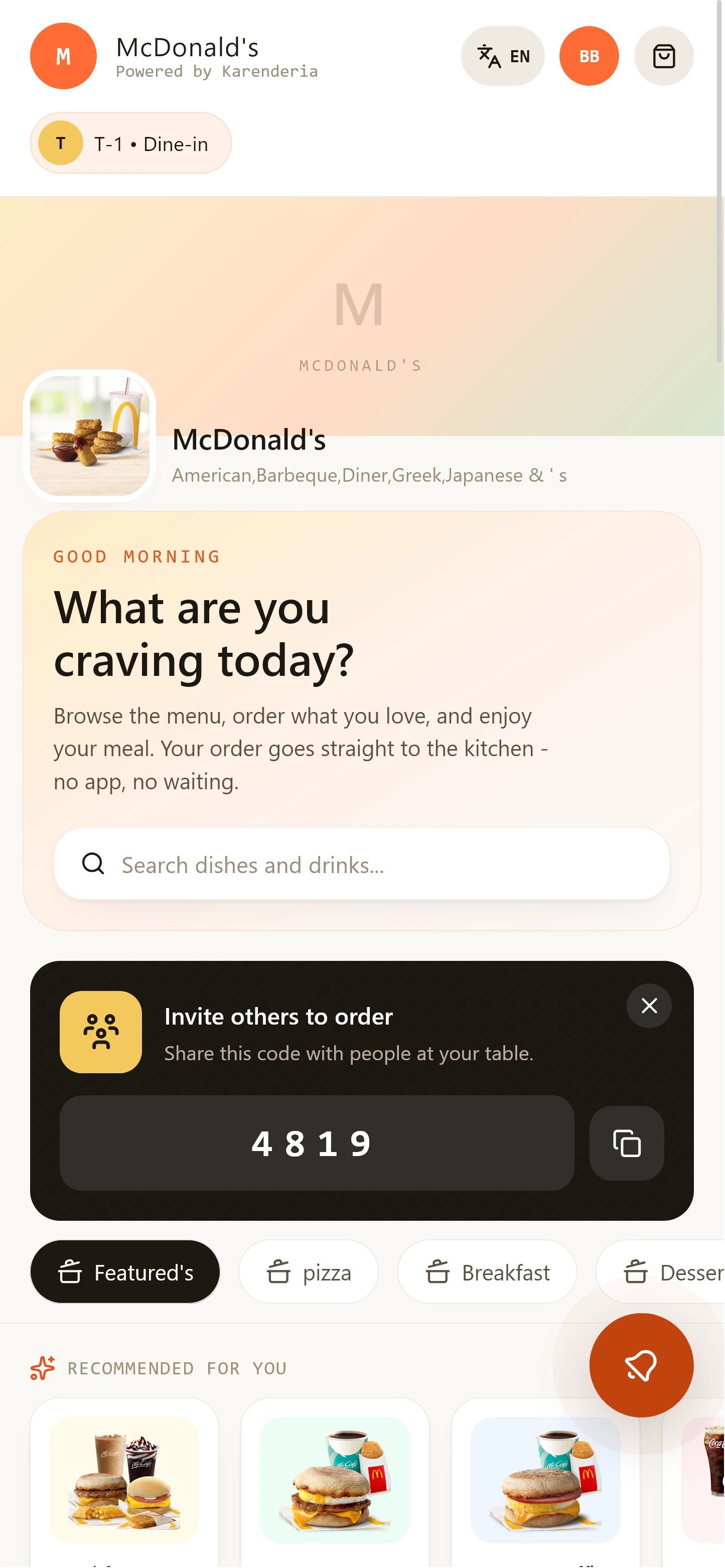
Your restaurant's menu, directly on the phone.
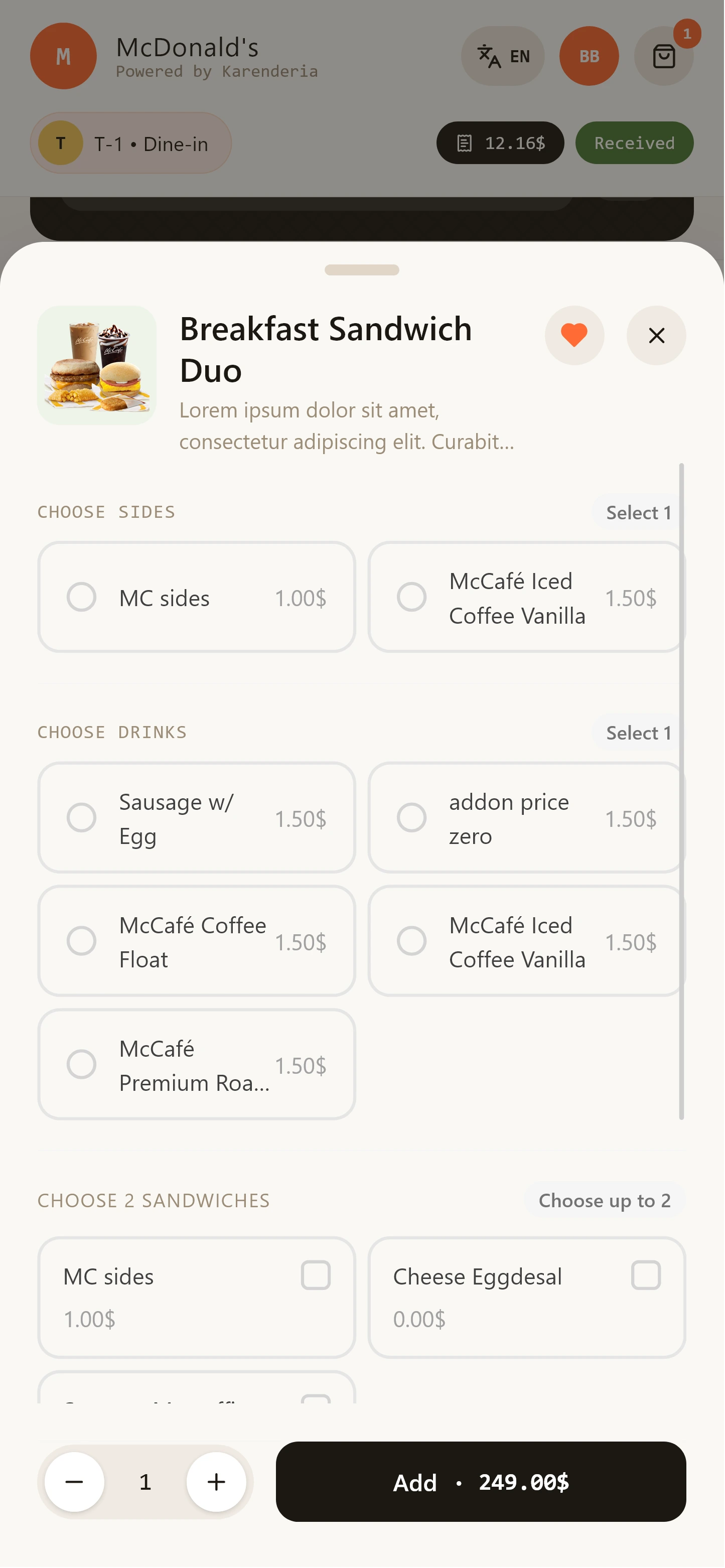
Tap the yellow ADD button — with options and quantities.
Send the order — it arrives at the restaurant instantly.
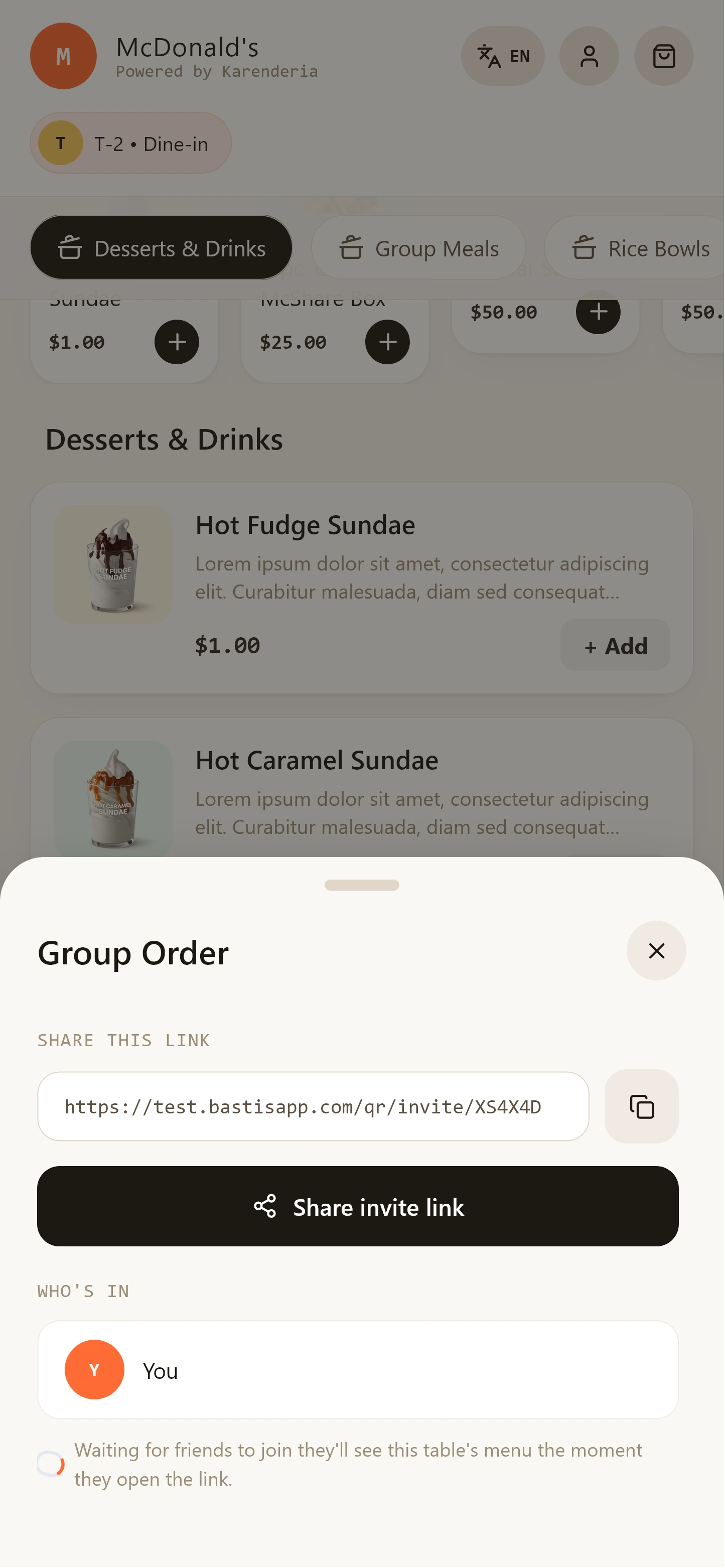
Share the table code — or a link — to invite another guest.
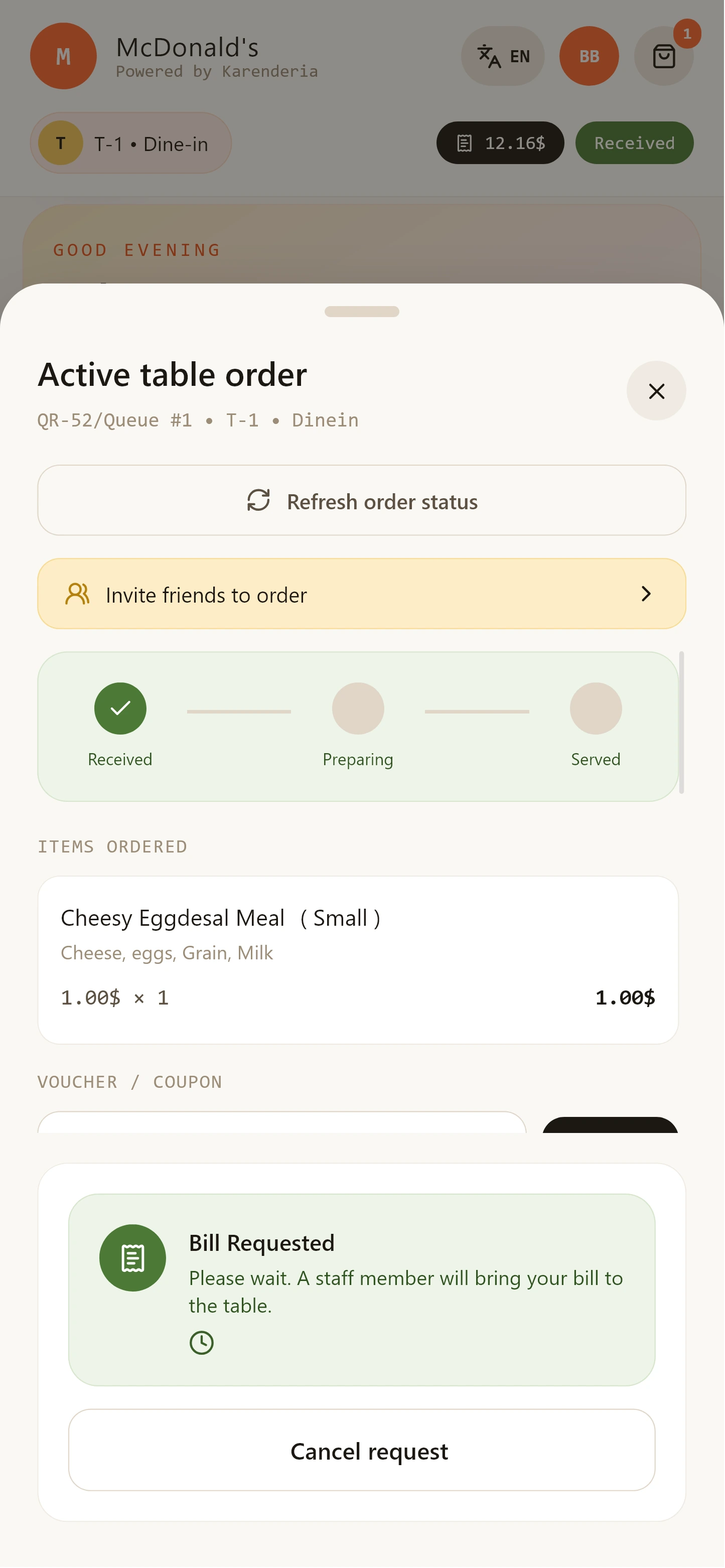
Request the bill when you're done — staff takes over.
The sample QR code is in the demo section above — or open the customer demo right here on this device.
Open Customer DemoA simple flow your customers and staff will understand immediately.
The customer scans the QR code attached to the restaurant table.
The digital menu opens instantly — products, prices and options.
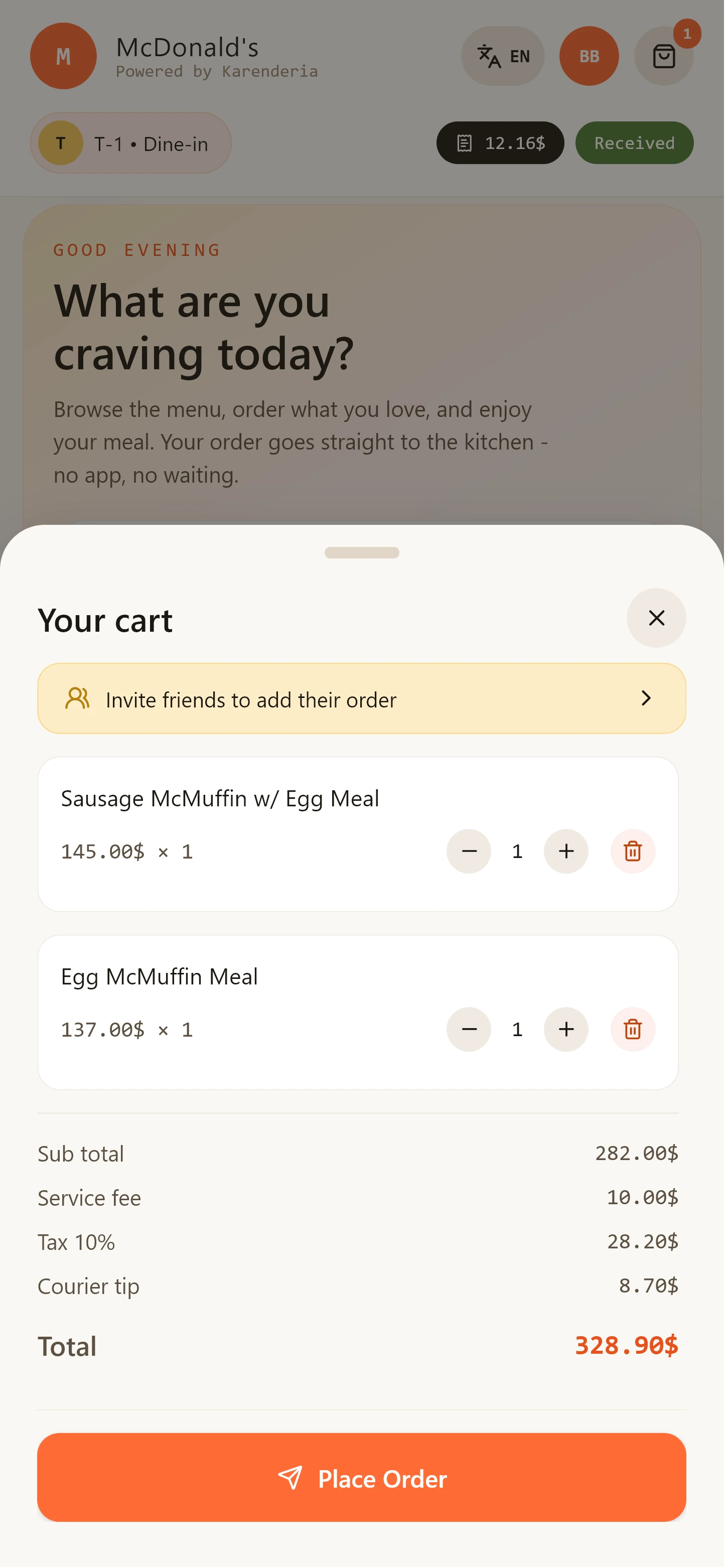
The customer adds products to the cart and sends the order to the restaurant.
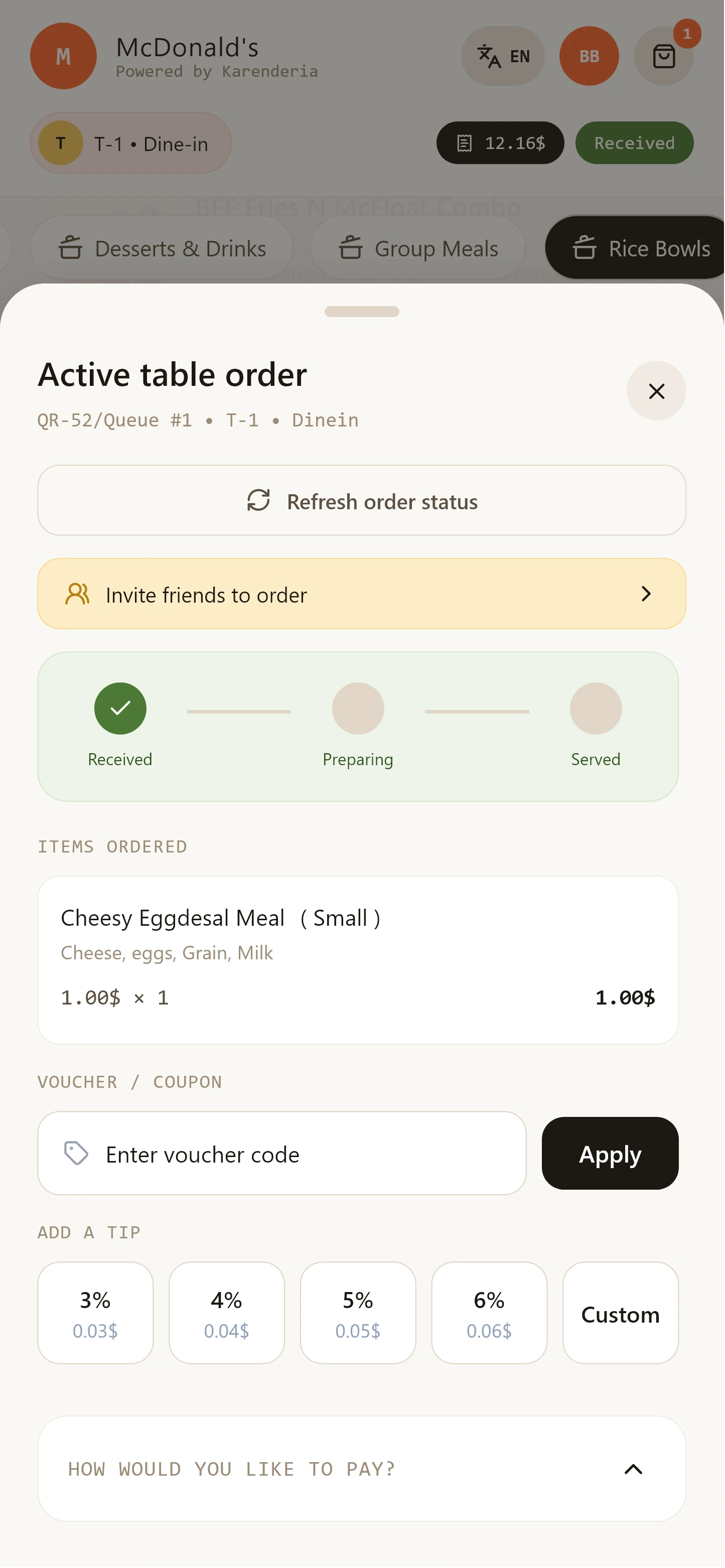
The restaurant receives the order, prepares it, serves the customer and handles the bill request.
Built for restaurants that want faster service and happier guests — without changing the way they work.
Every restaurant table gets its own unique, ready-to-print QR code.
Customers browse your live restaurant menu directly from their phone.
Ordering runs in the mobile browser — nothing to download or install.
Customers can invite other people sitting at the same table.
Guests add items to one combined table order from their own phones.
Incoming table orders appear instantly for restaurant staff.
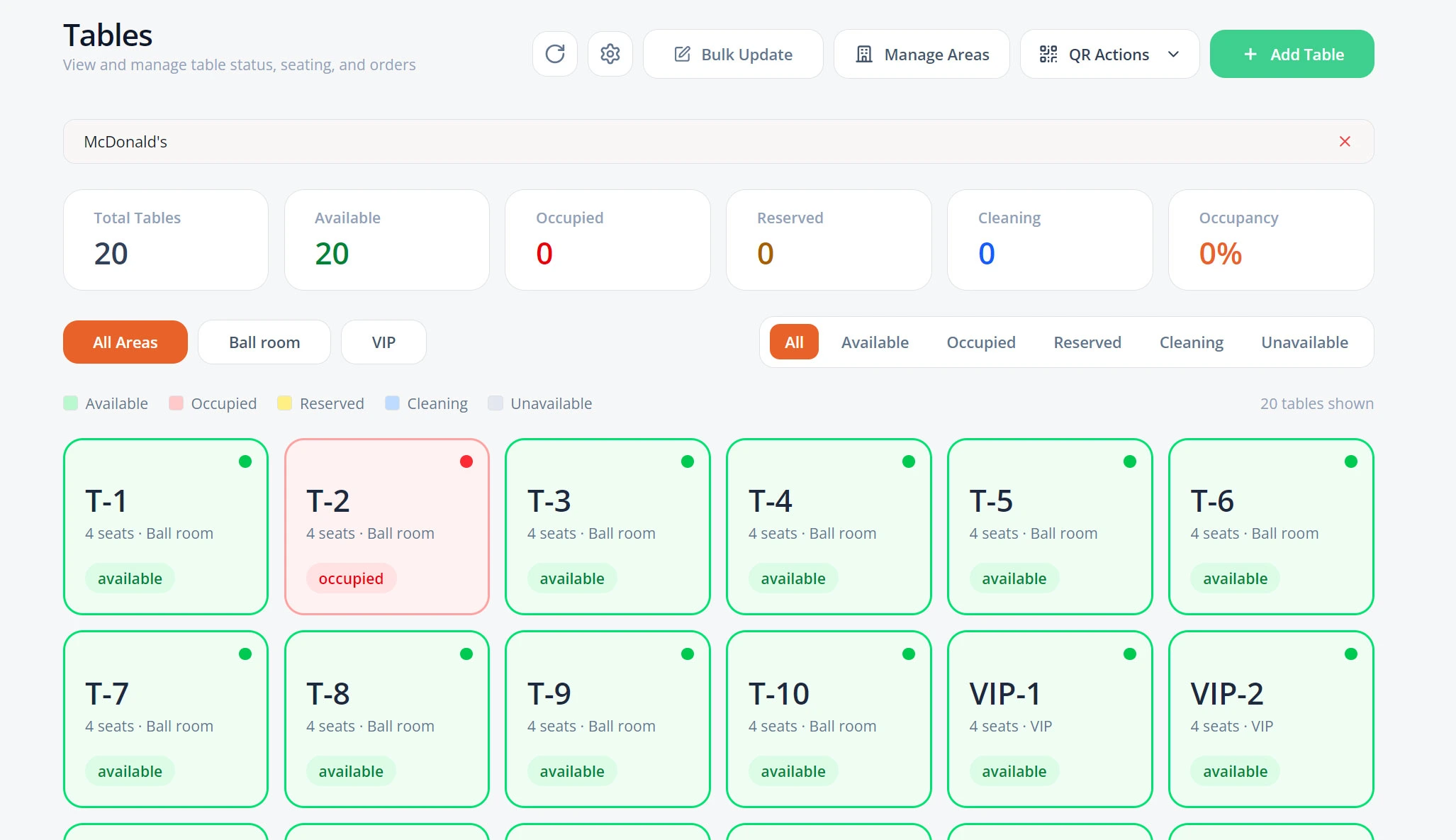
Create, manage and monitor every restaurant table from one screen.
Customers request the bill directly from the table ordering interface.
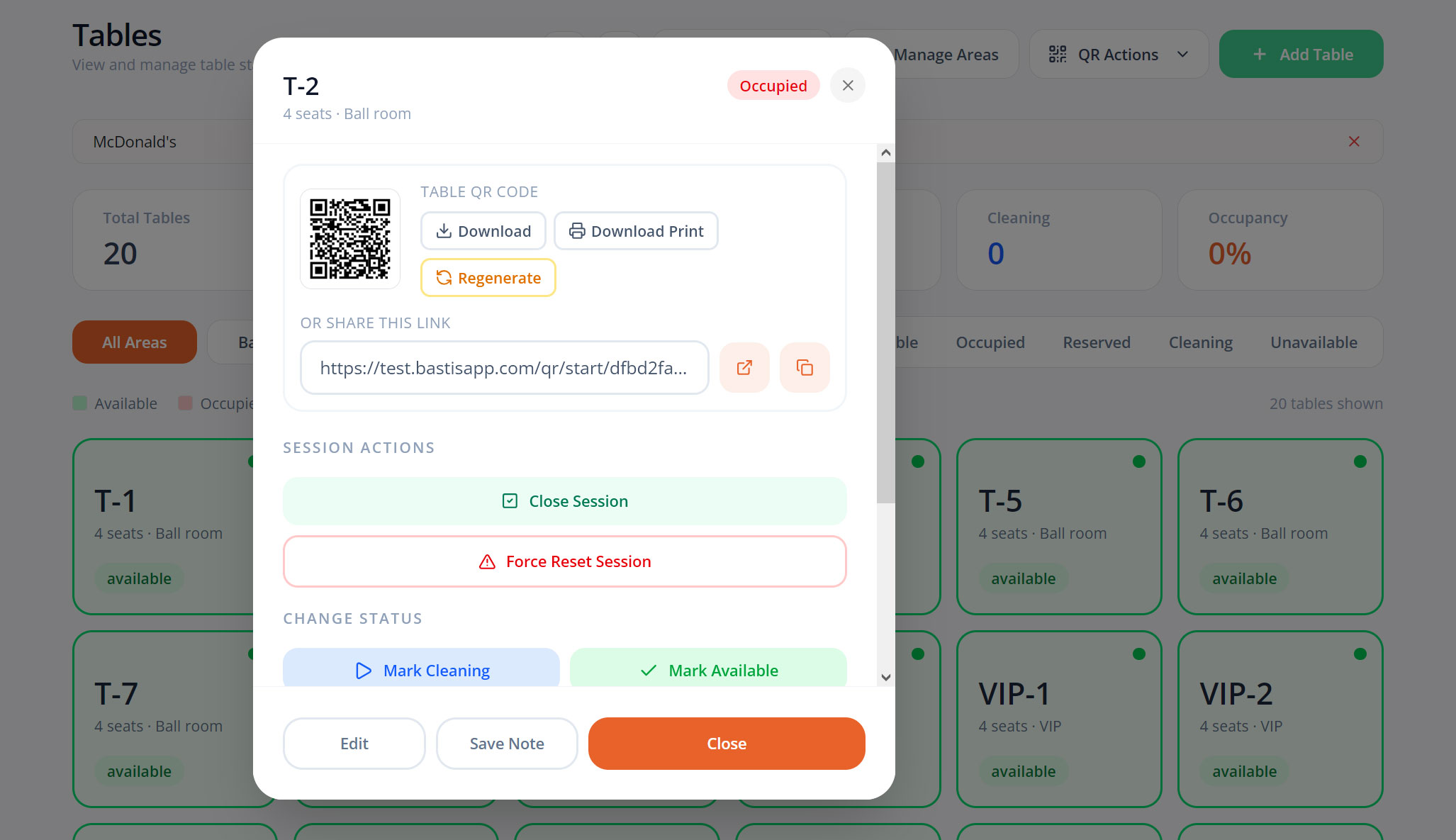
Each table maintains an active session until it's closed or reset.
Customers and staff track order progress in real time.
Your team manages tables and orders from the KMRS merchant panel.
Customers don't need to download an app. They simply scan, order and enjoy their meal.
Swipe to explore the full journey
From one dashboard your staff see live tables, sessions, incoming orders and billing — while QR orders flow into the familiar KMRS workflow.
Uses the demo credentials shown in the demo section.
Set up your dining area once — the system takes care of the rest.
Add as many tables as your restaurant needs.
Give every table a clear identity for staff and guests.
Each table gets its own printable QR code, linked to that table.
See at a glance which tables are free, occupied or billed.
Know who is ordering, for how long, and from which table.
Clear a session in one click when guests leave.
Respond instantly to bill requests from the table.
Every QR table order becomes a regular restaurant order your team already knows how to handle.
Order sent to the kitchen
Bill generated for the table
Awaiting payment
Payment completed
Session finished, table free
Exception state — an order can be voided at any point if needed.
The QR ordering system works together with the existing Karenderia order management workflow — same statuses, same admin experience, no retraining required.
Invite friends at the table — everyone orders from their own phone and the kitchen receives one combined order.
Customer A scans the table QR code and starts the table session.
Customer B scans the same QR code — or taps an invite link — and joins the session.
Both customers add items from their own phones, whenever they want.
All items are combined into one shared restaurant table order — sent to the kitchen together.
No waving down waiters. When guests are finished, they tap once — and your staff takes it from there.
The meal is done — no need to catch a waiter's eye.
One tap in the table ordering interface.
The request appears instantly in the merchant panel.
The restaurant prepares the bill and finishes the payment process — the customer simply waits comfortably.
Billing and payment are always completed by your staff — the QR system handles the request, not the payment.
Practical benefits for your guests, your staff and your daily operations.
Guests order the moment they're ready — no waiting for a waiter.
Staff spend less time writing orders and more time serving.
Orders arrive digitally — exactly as the guest entered them.
Requests and orders reach the right table, every time.
Everyone at the table orders at their own pace.
A modern, app-free ordering experience guests appreciate.
Orders flow straight into the kitchen as KOTs.
Works with your existing KMRS menu, orders and admin.
Smart Table Ordering System is an addon designed specifically for KMRS. It plugs into your existing restaurants, menus, orders and merchant panel — no separate platform to run, and no changes to how you already work.
Browse the customer app and merchant panel. Click any screenshot to enlarge it.
Scan the QR code and experience the complete customer ordering workflow. Then open the merchant demo to see how restaurant staff manage tables and orders.
Scan with your phone camera
No. Customers simply scan the QR code with their phone camera and order from their mobile browser. Nothing to download, nothing to install.
Yes. The system supports multi-guest ordering — customers at the same table can join the same table session and add items to the shared table order.
Yes. Restaurant staff can create tables, generate their QR codes, monitor active sessions and handle customer requests from the merchant panel.
Yes. Customers can request the bill directly from the table ordering interface, and staff receive the request instantly in the merchant panel. Billing and payment stay in the hands of the restaurant.
Yes. Each restaurant table can have its own unique QR code linked to that table, so orders always arrive with the correct table number.
Yes — this page includes a live customer demo and a merchant demo panel. Scan the sample QR code, open the demos directly, or try the guided product demo in the Experience the Demo section.
Yes. The addon is designed and built specifically for Karenderia Multiple Restaurant System and integrates with its existing ordering and management workflow.
Give your customers a faster and more convenient way to order directly from their table.